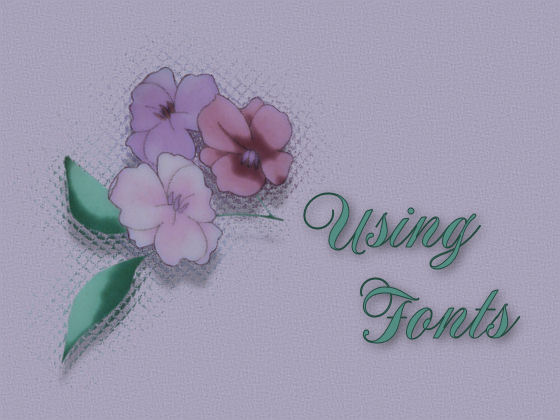
This week is all about using Fonts.
Computer operating systems are loaded with a limited amount of default fonts, therefore it is important to use one of these fonts when creating websites.
Not everyone who visits your website will have the same fancy fonts that you may be using to create your website.
To those visitors that do not have the same font installed this can look rather ugly and possibly a totally inappropriate size.
There are a couple of ways for others to see your website as you do if you use a font that others may not have.
Have the font you are using for your website available for download.
Visitors can install it and view your page as you intended.
Create an image file of your text and use it on your web page.
This will increase the file size and download times will take longer.
I have used the font "Book Antiqua" on this page as it is a standard font.
If you you go to this page Here You will see that the page looks the same,
but if you download and install the font that is there, you will see the font "Blokletters Viltstift".
If you go to this page Here You will see the page as I intended,
but will not have to download the font as I have created an image file and inserted it.
  

Learn Web Design At

Page Design by © Michelle
Font used in Header is NotnorvalHmkBold
*I use 1280 x 1024 Screen Resolution*
|
|
|
|
|
|
|